Instant flow
Fast
Ask your AI to draft posts, revise pages, or clean up copy and see the change land where the work actually happens.
Connect ChatGPT, Claude, Gemini, or local models to your WordPress site with MCP, a standard that lets AI tools safely take real actions.
Takes about 2 minutes. No credit card required.
Ask Claude to update your homepage hero text. It happens in WordPress instantly.
Works with ChatGPT, Claude, Gemini, and local models
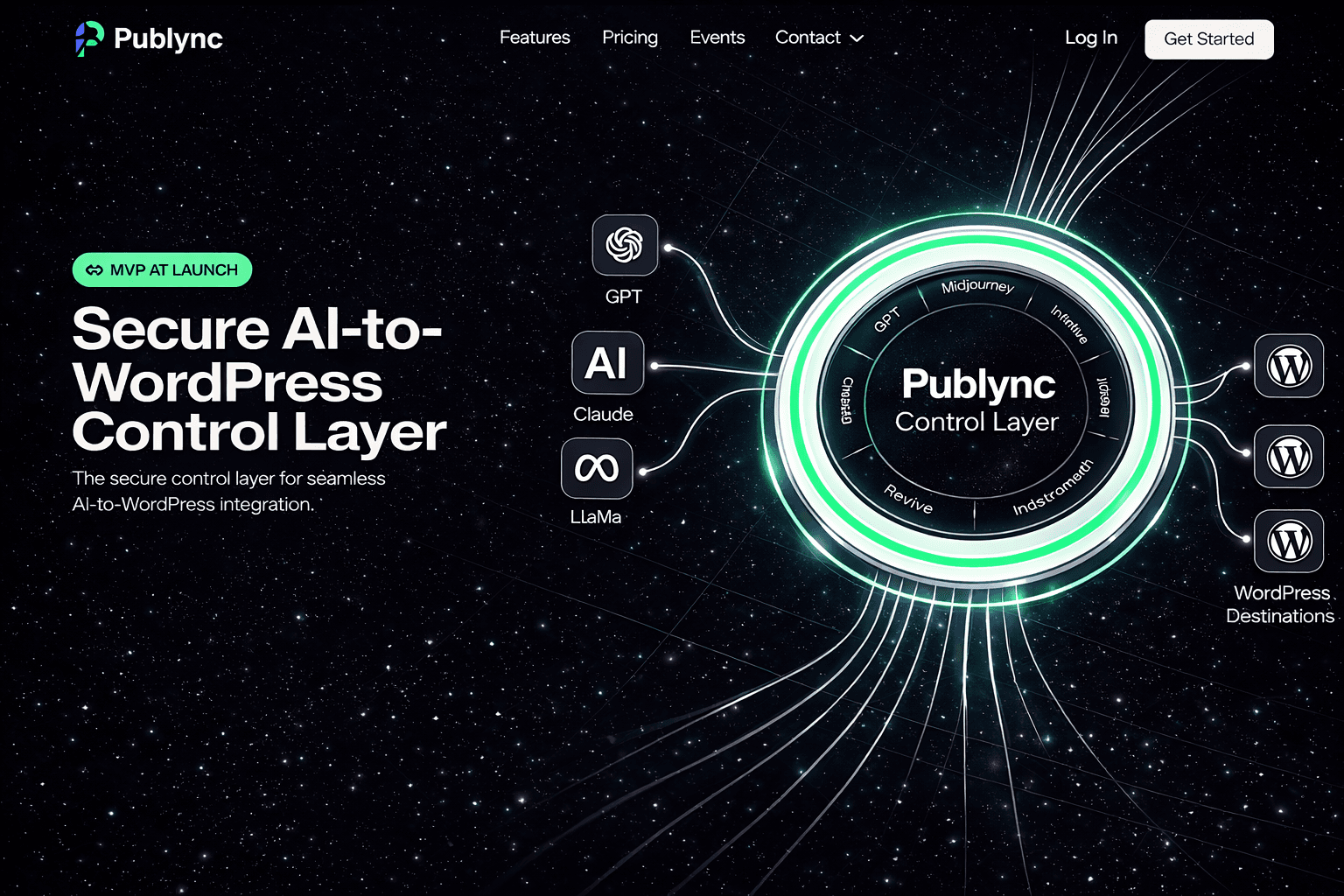
Built for speed. Designed for clarity.
Publync uses MCP, a standard protocol that lets AI tools take real actions, to safely bridge your AI client with real WordPress publishing workflows.
Why it clicks immediately
Publync is provider-agnostic by design, so you are not trapped in one model, one plugin ecosystem, or one privacy posture.
Every section of the product is designed to reduce friction between AI assistance and the WordPress work your team already needs to ship.
Ask your AI to draft posts, revise pages, or clean up copy and see the change land where the work actually happens.
Keep AI output, WordPress content, media actions, and page structure connected so edits do not get stranded in chat.
Set up permissions, approval paths, and publishing access through a workflow that makes sense to content teams and power users alike.
The point is not another AI dashboard. It is letting your preferred AI client trigger real WordPress actions through a controlled bridge.
Typical prompt
This is the exact moment most users understand the product.
Claude receives the request inside the chat you already use.
Publync maps the action through MCP with your saved permissions.
WordPress gets the updated hero copy as a draft, ready for review or publish.
Publync sits between your AI tools and your publishing stack so drafts, updates, media operations, and page changes stay safe, traceable, and synchronized.
Built for people who hate complexity.
AI clients
Publync
Bridge
WordPress
A guided flow that turns AI assistance into real publishing operations without giving up control.
Draft posts, refine pages, organize content, or prep media from the AI client you already prefer.
Publync routes the action safely into WordPress so drafts, updates, and media changes happen in the right place.
Keep content, site structure, and publishing state aligned automatically so your workflow stays calm as it scales.
MCP stands for Model Context Protocol. It is a standard way for AI tools to understand available actions and safely trigger real operations in connected systems.
Only the WordPress actions you allow. You control the connection, and read-only access can be the default until you are ready to permit edits or publishing steps.
Yes. Publync is designed to work with hosted AI clients and local LLM setups, so privacy-sensitive workflows do not have to depend on a single cloud provider.
Yes. In fact, that is the safest way to start. Connect a staging or test site first, verify the workflow, then decide what permissions to allow on production.
Open the guided setup, connect your WordPress site, and let your AI tools work inside a serious publishing workflow you control.